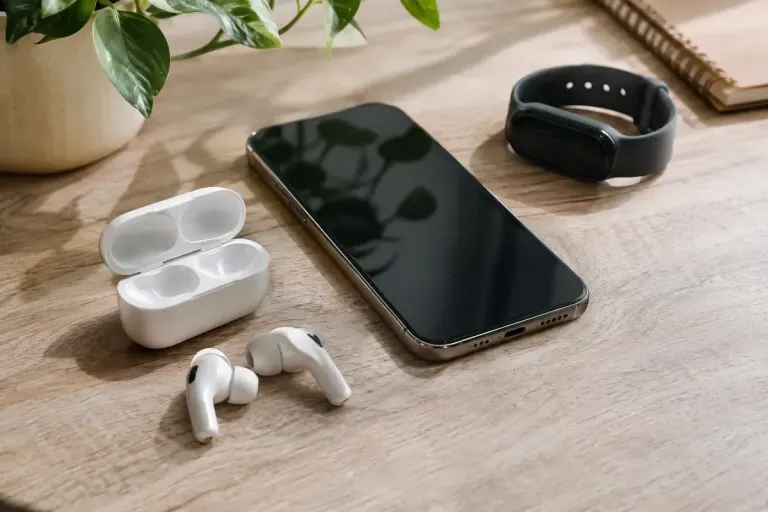
Device Privacy
Bluetooth privacy can change a device address without changing the device
Bluetooth LE can rotate private addresses while trusted devices still recognise each other. Learn what that protects and why it is not complete anonymity.

Practical security for everyday technology.
Clear explanations for protecting accounts, managing devices and making everyday digital choices with fewer unanswered questions.
Review your recovery options →
Bluetooth LE can rotate private addresses while trusted devices still recognise each other. Learn what that protects and why it is not complete anonymity.
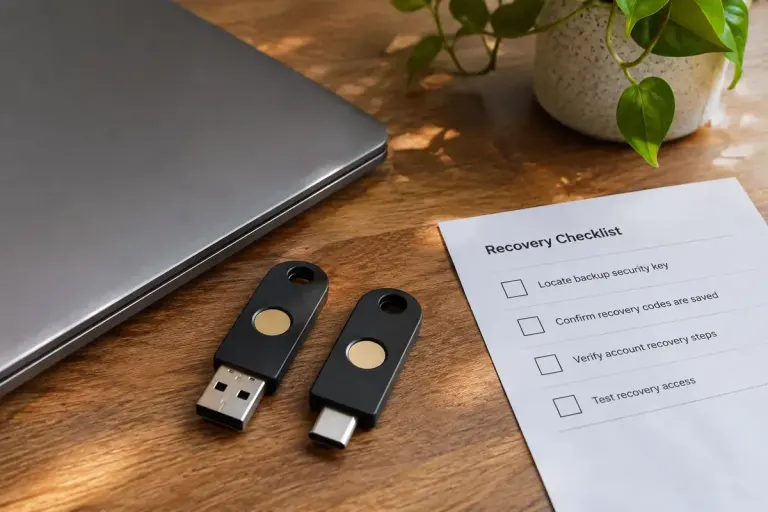
Security-key updates depend on the exact model and firmware process. Check the manufacturer’s instructions, recovery options and reset behaviour before starting.

OCSP stapling lets a server carry a signed certificate-status response. Understand what the response adds and why it does not replace certificate validation.

A wildcard TLS certificate matches one level of subdomain. See concrete examples and check the certificate names before changing your website setup.
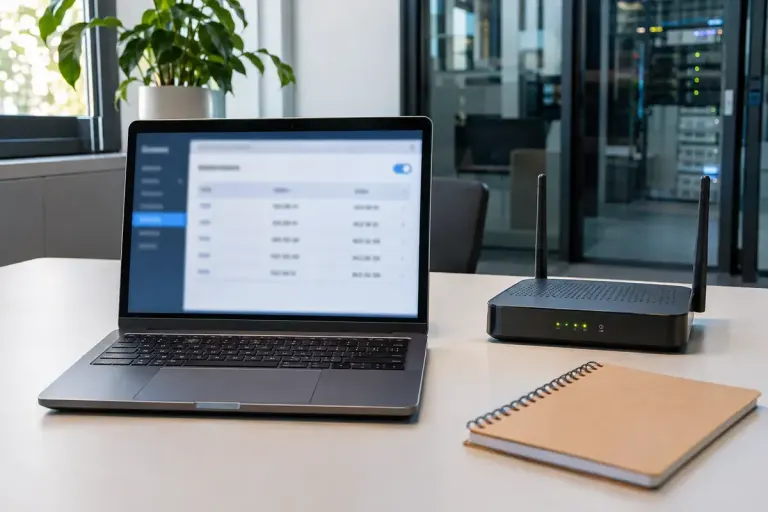
CAA records control which certificate authorities may issue for a domain. Check the live issuer and renewal path before changing the policy.

Certificate transparency records certificate issuance publicly. Learn what a log can show and why it is not proof of a website’s safety.