
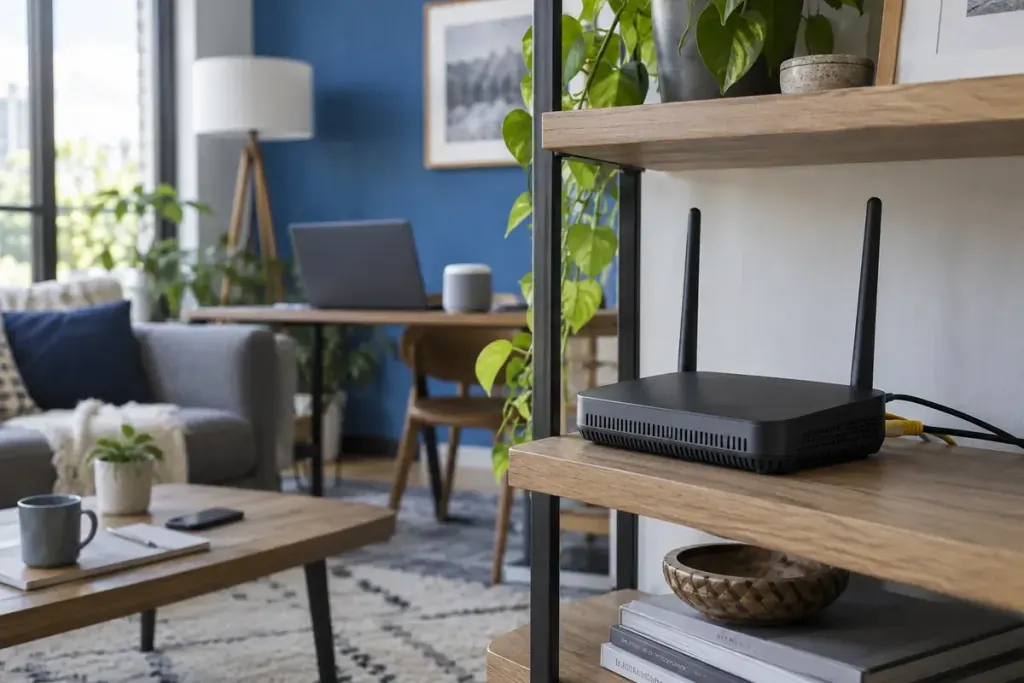
Your router offers a guest network, so you switch it on and choose another name. That creates a convenient way to share internet access, but the name alone does not tell you which devices a guest can reach.
Guest features differ between routers, mesh systems and internet providers. A useful setup begins with your own device’s documentation and a clear idea of what visitors need to do.
Define the access before changing the settings
Most visitors need internet access, not access to your personal files or router administration. Write down any exception you actually want, such as printing or casting to a television, because those features may depend on devices communicating locally.
The FTC’s home Wi-Fi security guidance recommends protecting the router, keeping software current and considering a guest network. Treat that as general guidance, then use the manufacturer’s instructions to establish how isolation works on your particular equipment.
Find the setting that controls separation
Read the explanation for guest access to the local network and, if available, communication between guest devices. Similar labels may have different effects across products. Do not infer that two network names mean two isolated networks.
Make one change at a time and record the original state. If your router is managed by an internet provider, check which controls are supported before following instructions intended for a retail model.
Use a simple, authorised check
Connect a device you own to the guest network and confirm that it can reach the internet. Using ordinary access methods, check whether it can reach a local resource you own that should be unavailable. Keep the test limited to your equipment and intended configuration.
For a hypothetical household, a visitor should browse the web but should not open a personal network-storage share. If the share remains reachable, consult the documentation before declaring the setup isolated. A failed connection by itself is also not a complete security audit; the service may simply be offline.
Resolve convenience trade-offs deliberately
If a guest cannot cast to a television, the separation may be doing what you asked it to do. Avoid turning off isolation across the whole network just to fix one feature without understanding the consequence.
Look for a supported way to provide the specific access needed, or use a simpler alternative for the visit. Explain the limitation plainly. Keeping a private network password secret becomes difficult if it is handed out whenever a convenience feature fails.
Keep the router itself in the routine
Review the administrator password, update process and supported security settings using the manufacturer’s guidance. Guest Wi-Fi does not compensate for an unsupported router or an exposed administration interface. When equipment reaches the end of support, consider the implications for continued use.
Record the router model, where its instructions are stored and when you last reviewed the configuration. Store secrets securely rather than in a note left beside the device. Recheck the arrangement after a replacement router or major configuration change.
A guest network is most useful when its boundaries match your intention. The practical question is not whether a second name appears on a phone, but whether visitors receive the access they need without inheriting access you meant to keep private.