
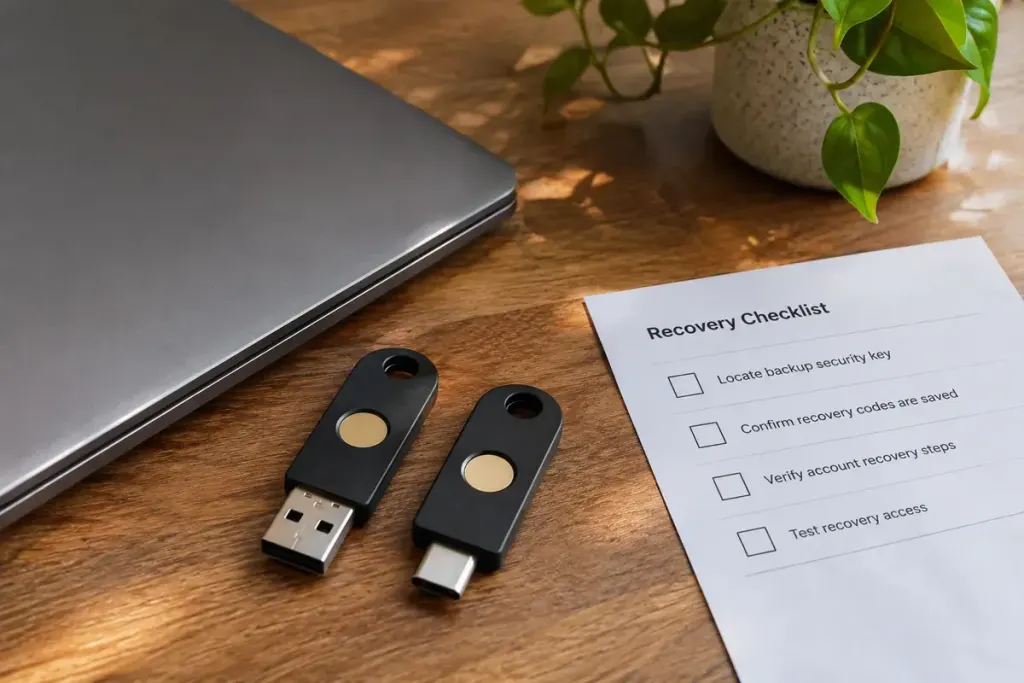
A security-key firmware update sounds like routine maintenance until the key is your only route into an important account. Before starting, identify the exact device and read what its manufacturer says the process preserves.
Some keys support user-installed firmware updates, while update policies differ between products. The Solo 2 guide, for example, describes firmware updates and separately explains that a factory reset erases stored passkeys and credentials. “Update” and “reset” should not be treated as interchangeable buttons.
Write down the task before connecting the key
Record the model, current version if available, target version and official update instructions. Use the manufacturer’s documented tool and source. A message on an unrelated download site is not evidence that a key needs new firmware.
Read the release notes for prerequisites and any migration or credential warning. If the instructions are unclear about data preservation, resolve that before using the device you depend on. Do not assume that a process for another model in the same brand applies.
Recovery should work before the update does
Imagine a key registered with three services. A backup method available for one of them does not prove you can recover access to the other two. Check each important service’s permitted alternative sign-in route, using a normal controlled sign-in rather than removing the working key first.
Keep any recovery codes in their intended secure storage, not in the update log or a screenshot you plan to share. An administrative account may also be subject to an organisation’s approved maintenance process; coordinate the timing so someone can help if access fails.
After the update, verify the reported firmware state and test sign-in with the relevant accounts. A tool reporting success is one check; the expected authentication working is another. Keep a concise record of the version and test result without recording secrets.
If something fails, stop before repeatedly resetting the device. The manufacturer’s troubleshooting route may distinguish a communication problem from a credential problem. Preserving a working recovery path makes that investigation calmer and avoids turning maintenance into an unnecessary account-lockout event.