
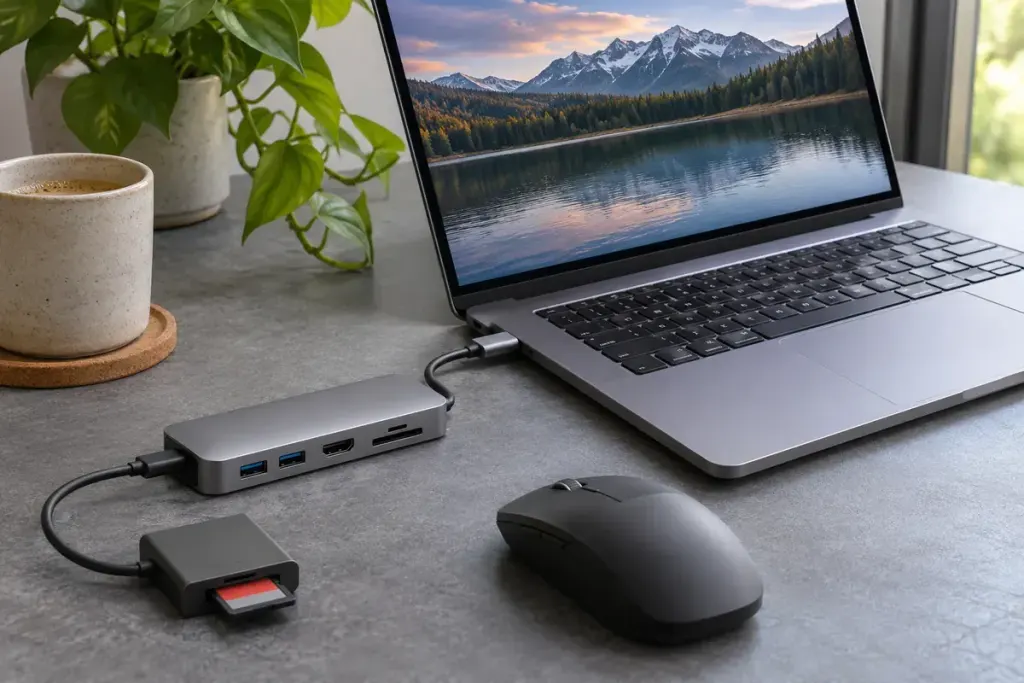
A computer can remain awake while an attached USB device enters a lower-power state. That is the idea behind selective suspend: managing an idle device without treating every connected peripheral as if it were busy.
Microsoft’s USB selective-suspend documentation explains that the hub driver can suspend an individual port without stopping the others. It also recommends against disabling the feature as a general practice. The page is written for driver developers, but the distinction helps ordinary users interpret troubleshooting advice.
A pause is not the same as unplugging
An idle device is expected to resume when required. Selective suspend is therefore different from physically removing the cable, ejecting a storage volume or putting the whole computer to sleep. It is also not a substitute for the operating system’s safe-removal procedure.
If a peripheral fails after a period of inactivity, that timing is useful evidence, not proof that this feature is at fault. A cable, hub, device firmware or driver problem can produce a similar-looking symptom.
Write down the sequence before changing settings
For a support request, record the device model, operating system, connection route and what happened immediately before the failure. Distinguish “mouse stopped responding after ten minutes idle” from “all ports disconnected during a file transfer.” Those descriptions suggest different investigations.
- Does the problem occur through the hub, directly connected, or both?
- Does it affect one peripheral or several?
- What restores operation, and does an error message appear?
- Did the behaviour begin after a particular update or equipment change?
Follow the device manufacturer’s supported troubleshooting steps and obtain drivers through trusted update routes. If support asks you to change a power option temporarily, record the original value and the result rather than leaving an unexplained collection of settings behind.
The useful goal is a device that resumes reliably while retaining appropriate power management. Turning off every saving feature may conceal a symptom without identifying its cause.