
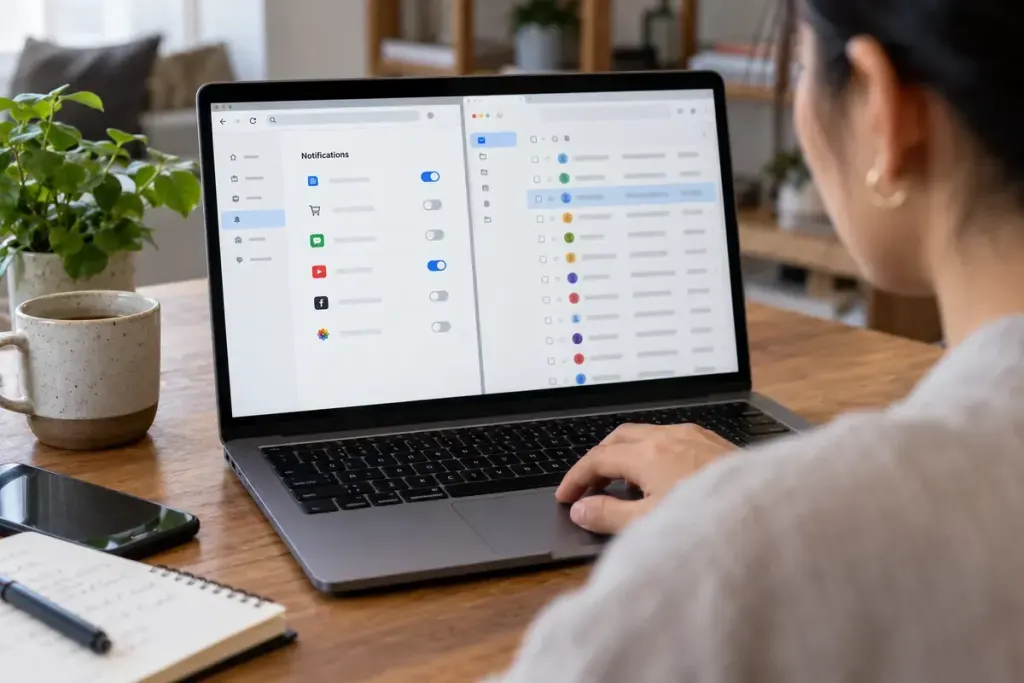
You unsubscribe from a newsletter, yet the same website’s name keeps appearing in a corner of the screen. The unsubscribe link may have worked perfectly. The remaining messages might be browser notifications, which use a different permission from email.
Chrome’s notification help explains how website notification permissions can be reviewed and changed. Other browsers have their own settings. Removing a site’s notification permission does not automatically remove your address from its mailing list, and unsubscribing from email does not necessarily change browser permissions.
Identify where the message arrived
Open your mail application and ask whether the message is actually in the inbox. Then look at the notification’s named sender or application. A browser, an installed app, and a mail client can all produce similar-looking system banners.
For a trusted newsletter you deliberately joined, use its legitimate unsubscribe process. For browser alerts, open the browser’s settings directly and review the site’s notification permission. Avoid following an alarming pop-up that claims you must install a cleaner to stop notifications.
A small cleanup record can have three lines: “newsletter unsubscribed,” “website notifications blocked,” and “app notifications unchanged.” This prevents repeated work when the same organisation contacts you through several channels.
Be selective rather than switching everything off in frustration. You may want a delivery app’s alerts while removing a site’s promotional prompts. Check each permission against the reason you originally enabled it.
If a message looks suspicious, do not enter credentials through its link simply to remove yourself. Navigate to the known service or use your mail provider’s reporting tools. First identifying the channel makes the next action clearer and avoids treating every unwanted banner as a failed email unsubscribe.