
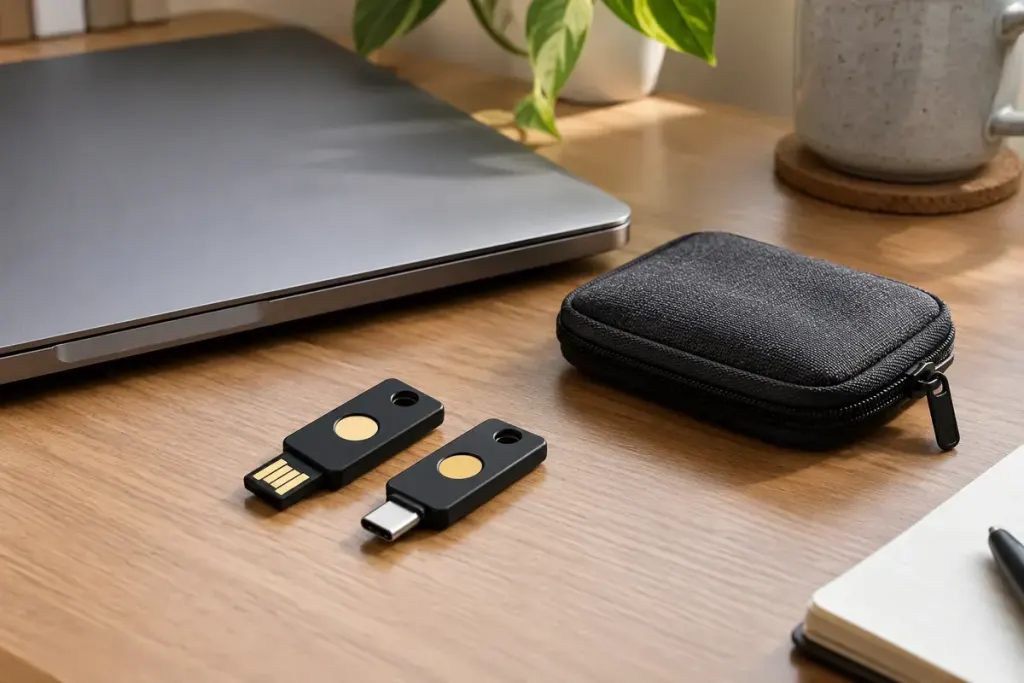
A second security key in a drawer cannot automatically unlock every account that recognises the first one. For many services, each key must be registered separately. The spare becomes useful because the account has been told to trust it, not because its packaging matches the everyday key.
Yubico’s setup guidance explicitly reminds users to register a spare. The exact process depends on the service and the authentication method, so use the account provider’s current instructions rather than assuming every product supports the same number or type of keys.
Enrol it while you still have a working route in
Sign in through the service’s official address and find its security settings. Add the spare using the supported process. Give it a recognisable label, such as “home spare,” without putting a sensitive storage address in the name.
Then test the spare in a fresh sign-in session before removing any existing method. Check that you can identify which key is being requested and that the connection works on the device you may need in an emergency. A USB connector, NFC reader or platform limitation can matter even when the key is otherwise compatible.
Separate physical backup from account recovery
Store the spare separately from the main key so one lost bag does not remove both. Keep the provider’s recovery options current as well. A spare key can be an important route in, but it does not explain what happens if the account is suspended, the password is forgotten or every registered method is unavailable.
Maintain a private list of the services on which the spare is enrolled. When you add a new account to the everyday key, update the spare where supported. Do not store passwords or recovery codes in a public inventory.
If a key is lost, use a working authentication method to review the account and remove the missing key according to the provider’s process. Simply buying another device does not revoke the old registration.
The useful rehearsal is a successful sign-in with the spare while nothing is wrong. It turns an untested object into a known recovery option.