
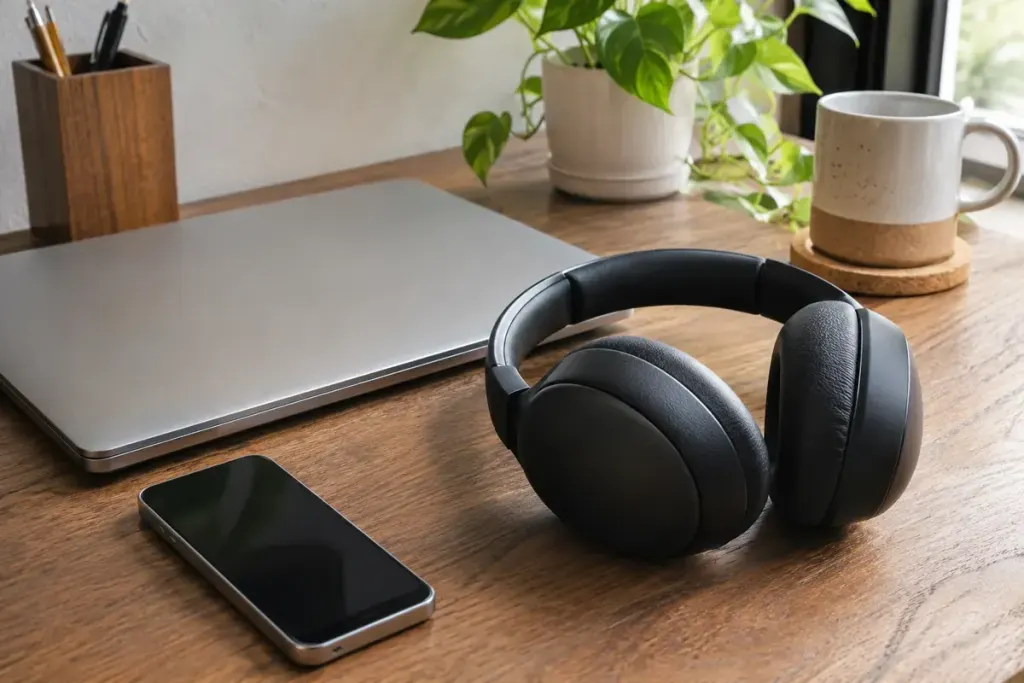
A podcast is playing from your laptop when your phone rings. With suitable multipoint headphones, you may be able to take that call without disconnecting the laptop first. The useful feature is maintaining connections to more than one source; it does not necessarily mix their sounds together.
Google’s Android guide to multipoint describes compatible headphones connecting to two Bluetooth devices and selecting which source to play. Its media-switching instructions say to stop playback on the first source before starting the second. That is a different expectation from hearing two independent soundtracks simultaneously.
Try the handover before the meeting
Check your headphone model’s own instructions for support, setup and limitations. A product remembering several paired devices is not, by itself, evidence that it supports the simultaneous connections you want. Controls may be in the manufacturer’s app or the operating system, and behaviour can vary between models.
For a simple rehearsal, connect the phone and laptop according to those instructions. Start an ordinary audio clip on the laptop at a comfortable volume. Pause it, then start a clip on the phone. Note whether the change happens as expected and whether either application needs its output device selected again.
Next, test a call with someone who knows you are checking the setup. Confirm where the call audio goes and which microphone the calling application uses. End the call and see what happens to the earlier media. This short rehearsal is easier to troubleshoot than an unexpected switch during a presentation.
Keep the source of the sound visible
If audio seems to disappear, inspect both devices before raising the volume. A browser tab, meeting application or paused player may still be involved in the handover. Avoid assuming that every interruption is a headphone fault.
For an important recording or call, temporarily disconnecting an unnecessary second source can make the setup easier to understand. You can reconnect it afterward using the normal controls. The aim is a predictable session, not a permanently complicated checklist.
Multipoint is most helpful when it matches an actual routine: listening on one device and responding on another. Once you know how your own pair handles pauses, calls and resuming playback, it becomes a convenience you can trust for that routine rather than a promise inferred from a feature name.