
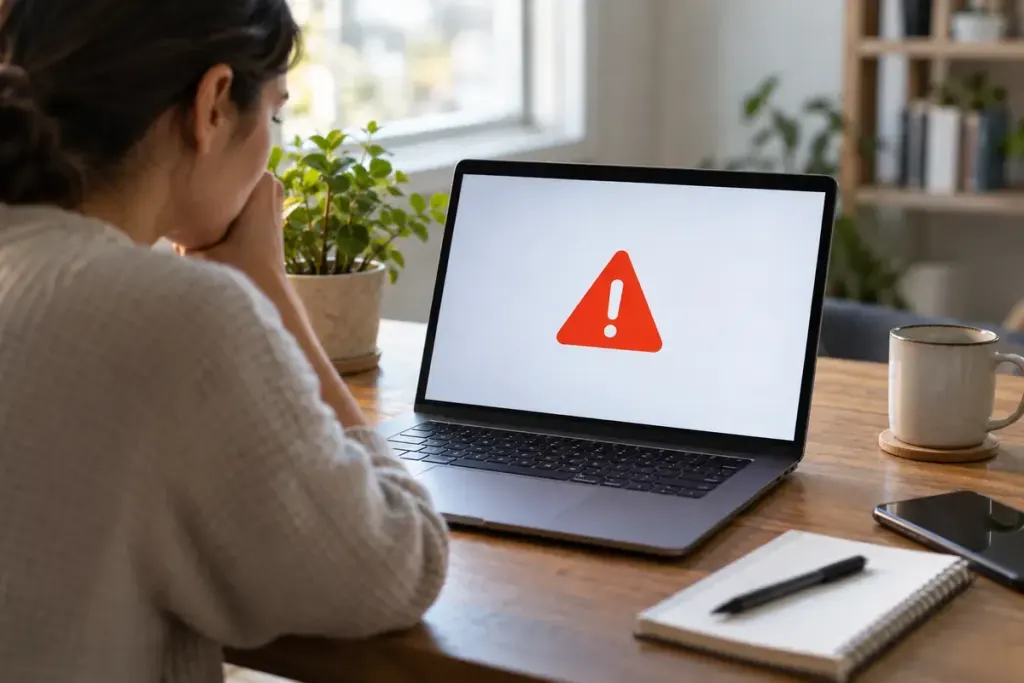
A download warning interrupts the task you wanted to finish. That interruption is a good moment to check what you are downloading and where it came from, rather than searching immediately for the button that makes the warning disappear.
Google’s Chrome download guidance distinguishes warnings about dangerous, suspicious, unverified and insecure downloads. Those categories do not all mean the same thing. Read the wording shown in your browser and consult its current help page.
Verify the route to the file
Return to the task: were you expecting this exact file from this organisation? Navigate independently to the publisher’s known website instead of relying on an advertisement, a shortened message link or an unexpected attachment page.
Check the file type and intended purpose. A document request that unexpectedly supplies an executable installer deserves investigation. A familiar filename alone does not establish who created the file or what it will do.
Keep troubleshooting separate from approval
If the file is needed for work, ask the responsible IT team or the verified publisher for guidance. Provide the warning text, the source URL and what you expected to receive, without sending passwords or unnecessary personal information.
- Do not disable browser protection because a download page tells you to.
- Do not install a second unknown tool that promises to “fix” the warning.
- Check whether the publisher offers a documented alternative delivery route.
- Leave the file unopened while the concern remains unresolved.
A warning is not a complete technical diagnosis, and the absence of a warning is not a guarantee that every file is safe. The useful habit is to treat the message as evidence that needs context.
Keep a brief note of the source and resolution when the file matters to an ongoing project. That saves the next person from repeating the same uncertainty and gives you a clearer reason for the eventual decision than “I clicked through because I was in a hurry.”