
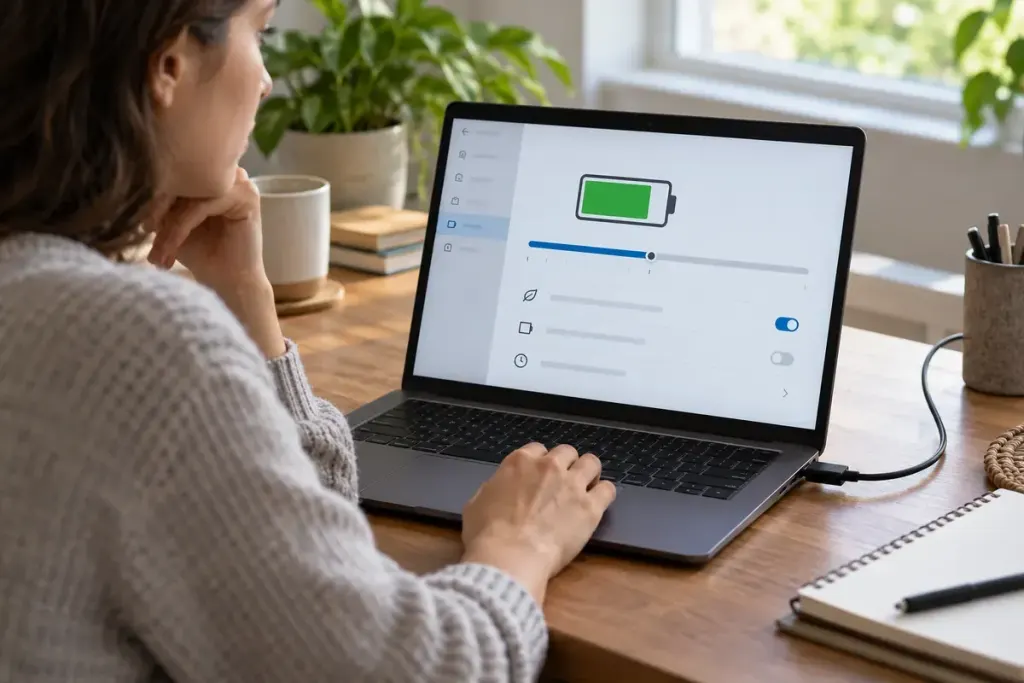
A plugged-in laptop stops charging below 100 percent. That can be deliberate behaviour when a battery-care feature is active. Before buying a charger or assuming the battery has failed, check whether the manufacturer provides a charge limit or an adaptive charging setting.
Microsoft’s Surface smart-charging documentation describes supported charging modes and an 80-percent limit on relevant devices. This is a model-specific example, not a universal Windows setting or a percentage that applies to every laptop.
Read the status, not just the percentage
Look in the manufacturer’s supported battery application or settings and compare the message with the manual. Distinguish a configured limit from a warning about power, temperature or battery condition. A low-powered adapter can create a different situation from a deliberately limited charge.
Record what you observe: the approximate level where charging stops, the displayed status and which power adapter is connected. Avoid changing several settings at once, since that makes it harder to identify the cause.
Match the mode to the planned day
If the device offers a supported way to request a full charge before travel, follow those instructions and allow enough time. Some features are adaptive; others use a manual limit. Do not assume that disconnecting and reconnecting the charger overrides either one.
- Confirm the exact device model.
- Use the manufacturer’s current instructions.
- Check whether the chosen mode persists after restarting.
- Revisit the setting when your usage pattern changes.
Charge-management features do not explain every battery problem. Stop using a visibly damaged or swollen battery and follow the manufacturer’s safety and service guidance. For persistent unexpected behaviour, provide support with the recorded status and adapter details.
The useful distinction is between a battery being prevented from reaching a chosen level and a device being unable to charge as intended. The percentage alone cannot tell you which is happening.