
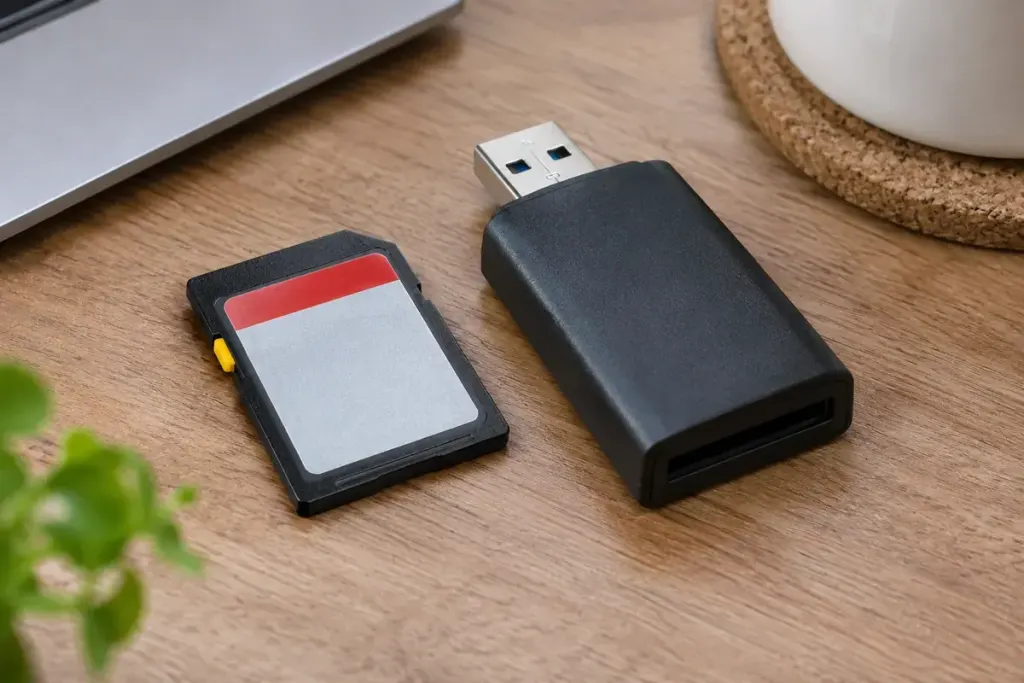
The little slider on a full-size SD card looks reassuringly physical. Slide it to Lock and it is tempting to assume that no device can change the contents. The important detail is where the protection is enforced: the switch position is detected by a compatible reader, and the host is expected to respect it.
The SD Association’s physical-layer specification describes this mechanical write-protect arrangement. It is not a mechanical interruption of the card’s internal writing circuitry. A microSD card in an adapter also depends on the adapter and reader arrangement; the slider does not become an encryption feature.
Four different questions
- Will this reader honour the slider?
- That concerns the reader and host’s implementation of the write-protect indication.
- May this account edit a particular file?
- That concerns software permissions or attributes, which can differ between operating systems and file systems.
- Can someone read the contents?
- Write protection does not hide data. Confidentiality requires an appropriate access-control or encryption arrangement.
- Can I preserve evidence without any writes?
- That calls for a validated acquisition procedure and suitable write-blocking equipment, not an assumption about an ordinary card adapter.
For everyday photo transfer, keep the original card until the copied files have been checked and an appropriate backup exists. Open representative images from the destination and confirm that the expected folders and file counts are present. A successful copy notification alone does not tell you whether you selected every folder you intended.
If you want to understand your own reader, experiment with a spare card containing disposable files. Record whether creating, renaming and deleting a test file is refused with the slider locked. Do not perform a destructive experiment on the only copy of important photographs or on material that must be preserved as evidence.
Also distinguish an unexpected write-protected error from proof that the slider is functioning. Adapter damage, media faults and software restrictions can produce similar symptoms. Follow the device manufacturer’s troubleshooting guidance instead of repeatedly forcing a format.
The slider can be useful against accidental changes in a supported setup. Its value becomes clearer when you treat it as one specific control, with a reader-dependent behaviour, rather than a promise of privacy or permanent preservation.