
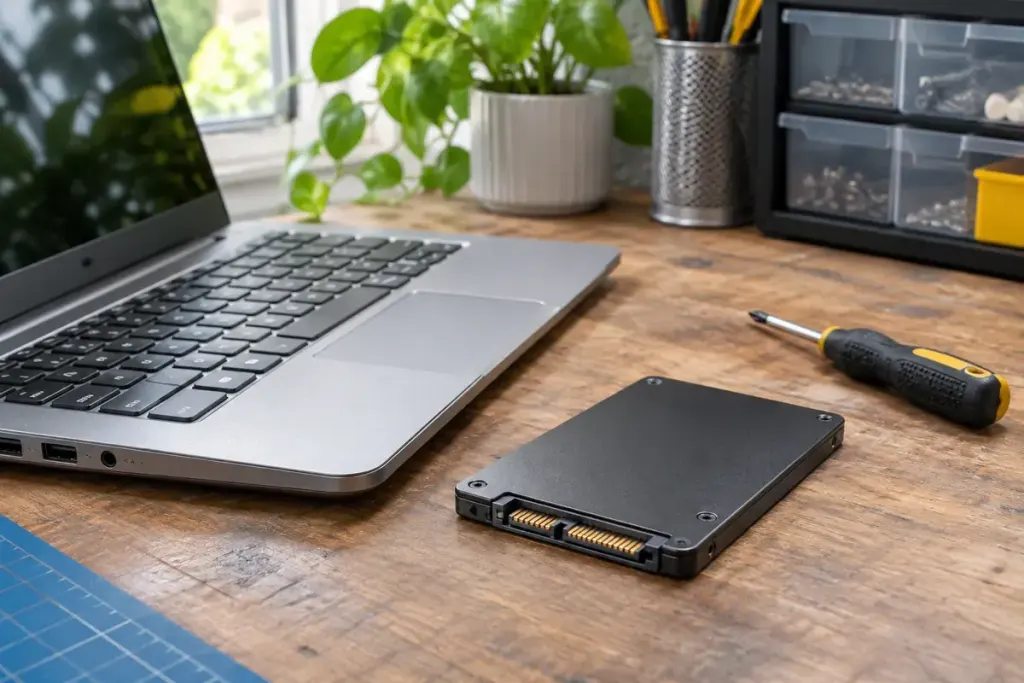
You delete a folder and empty the recycle bin. The folder has gone from the file browser, but that action is not the same as a documented sanitisation of the storage device. With an SSD, the controller also manages flash memory in ways that make old hard-drive assumptions unreliable.
Samsung’s SSD information explains that TRIM lets the operating system identify data that is no longer valid, helping the drive’s garbage-collection process. The operating system’s file view and the controller’s handling of physical flash are different layers.
Do not turn a storage feature into a privacy guarantee
TRIM is not a promise that every deleted byte immediately disappears from every possible location. Nor is repeatedly overwriting one visible file a reliable way to control all of an SSD’s internal storage. Device behaviour, configuration and the state of the drive matter.
When retiring a computer, use the supported sanitisation procedure for that device and the sensitivity of its data. NIST SP 800-88 Revision 2 treats media sanitisation as a process with appropriate methods and controls, rather than simply the absence of files in a directory.
Prepare before an irreversible operation
Identify the exact drive, make the necessary backup and verify that the backup opens on another device. Save the manufacturer’s instructions and distinguish a reinstall option from a sanitisation option. If the computer belongs to an employer, follow its disposal process rather than choosing your own.
Do not experiment with erase commands while other drives containing important data remain ambiguously labelled. If the device is failing or holds highly sensitive information, ask the responsible IT or disposal service how it should be handled.
For everyday housekeeping, deletion is useful. For handing hardware to someone else, establish and verify a separate process. The difference is the intended assurance, not how empty the desktop looks afterwards.