
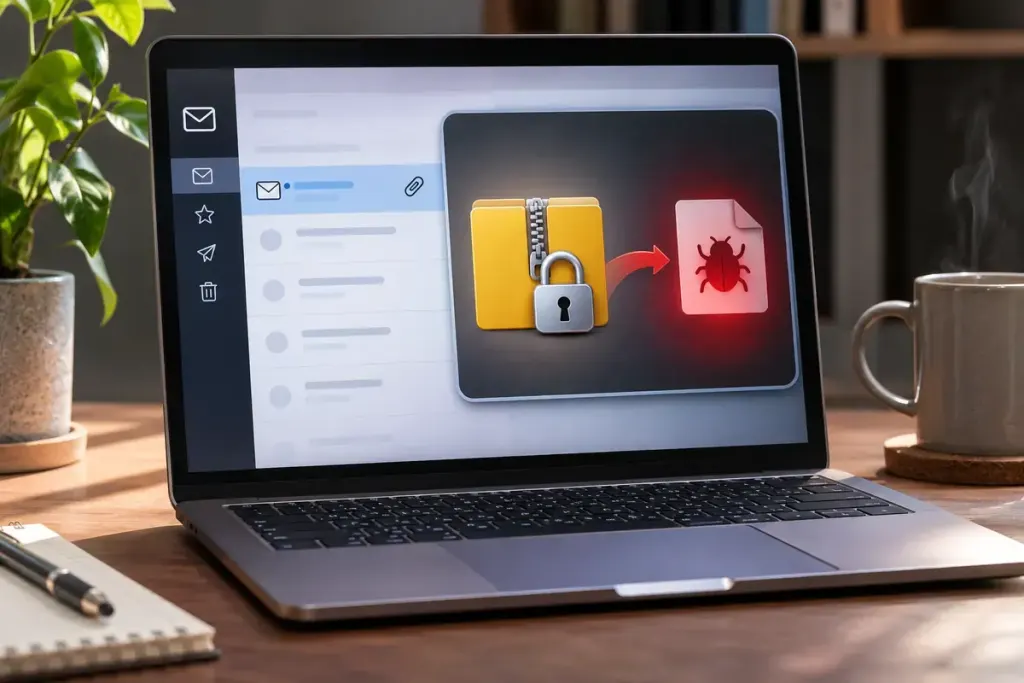
A ZIP attachment arrives with a password in the message. That extra step can make the file feel confidential and therefore trustworthy. The two ideas are separate: encryption controls access to content, while safety depends on what the content does and where it came from.
Microsoft’s Safe Attachments documentation notes that password-protected attachments cannot be fully scanned or detonated unless the password is available. Some protection systems can obtain a password from the message, so encryption is not a guarantee that a file evades inspection either.
Check the request before opening the package
Ask whether you expected the file and whether its purpose matches the conversation. If a familiar contact suddenly sends an unusual archive, verify through a known channel. Do not use a telephone number newly supplied in the suspicious message as your only check.
For a fictional invoice email, the useful question is not “Does the password work?” It is “Was this invoice expected from this organisation, and is this their normal way of delivering it?” Successfully extracting an archive answers neither question.
Do not weaken protection to inspect it
A prompt to disable antivirus, turn off a browser warning or run an unexpected program should not be treated as a normal price of viewing a document. On a work device, use the organisation’s reporting process and let its security team handle the attachment.
Avoid uploading confidential business or personal files to a public scanning service without authorisation. That can create a separate disclosure problem even when the intention is to check safety.
If you already opened something suspicious, report what happened accurately: whether you only saved the archive, extracted it, opened a document, ran a file or entered credentials. Those are different events. Follow the responsible support team’s instructions rather than repeatedly reopening the attachment to see whether anything changes. A password is a lock on the package, not a certificate for what is inside.