
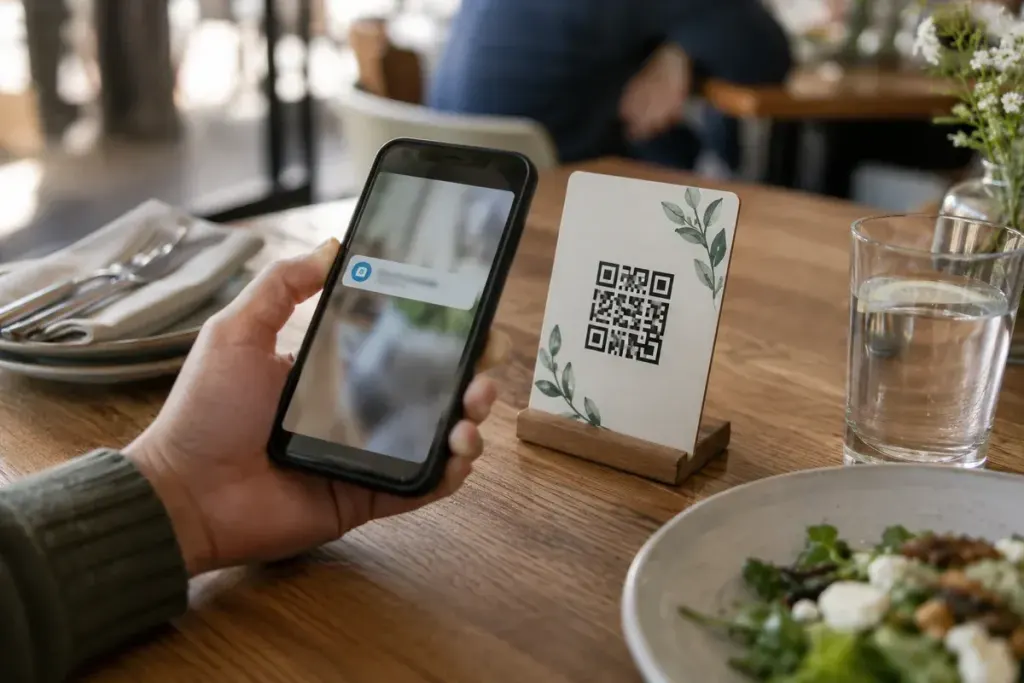
A QR code on a parking sign looks convenient. So does one in a delivery message. The square pattern itself, however, does not tell you who controls the destination or whether the request belongs to the organisation it claims to represent.
Think of a QR code as a link you cannot read until a device interprets it. The important security decision happens after the code is recognised and before you submit information, approve a payment or install anything.
Check both the place and the destination
Look for signs that a printed code has been covered or replaced, while remembering that a tidy appearance proves little. Preview the destination where your device supports it. Read the actual domain, not just a familiar word elsewhere in a long address.
The US FTC’s warning about malicious QR links describes codes leading to spoofed websites. A convincing logo and an encrypted connection do not by themselves establish that you are dealing with the intended service.
Use another route for consequential actions
If the destination asks for a password, card details or an unexpected app installation, pause. Open the organisation’s known app or type a verified address independently. For a physical service, ask staff through a normal contact route rather than using contact details supplied only by the suspicious page.
Imagine a message claiming that a parcel cannot be delivered without a small payment. Instead of scanning immediately, check the order and delivery status through the retailer or courier account you already use. The urgency in the message is not evidence that the charge is legitimate.
Keep the response proportional
Scanning a code is not the same event as entering credentials or authorising a transaction. If you opened a suspicious page, close it and review what you actually did. If you submitted a password, change it through the genuine service and review active sessions. If payment details or money were involved, contact the relevant provider promptly.
Do not send a screenshot of the code around with an invitation for others to try it. Report it through the affected organisation’s verified channel and preserve useful details without encouraging another visit.
QR codes can be convenient tools. The habit that makes them easier to use safely is the same one that helps with ordinary links: verify the destination before trusting the action it asks you to take.