
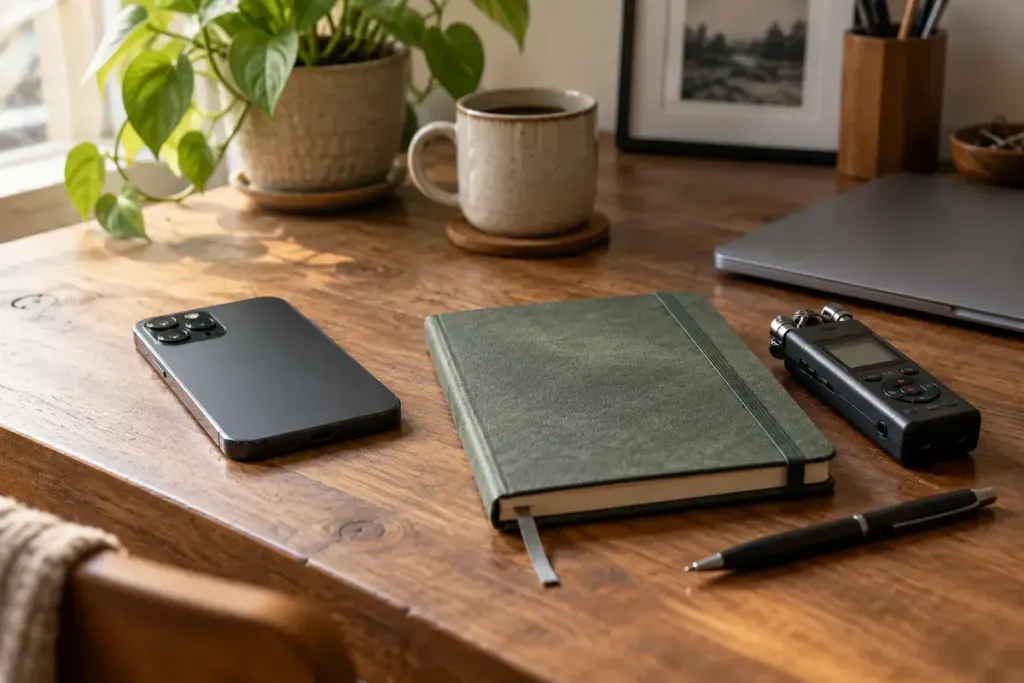
A voice memo is easy to capture while an idea is fresh. A week later, its title may be only a date and its useful sentence may be buried halfway through a long recording. The missing step is a small amount of editing after capture.
Some recording apps offer transcription. Apple’s Voice Memos guide describes viewing and copying transcript text on supported setups. Availability depends on the device, software and language. Whether you use that feature or listen manually, check names, numbers and important wording against the audio.
Give the memo a destination
Choose whether it belongs in a project note, a journal or a task list. A recording about three unrelated subjects may need three short entries rather than one polished transcript. Preserve the recording when it remains useful, but do not confuse keeping everything with making it findable.
Try this compact structure:
- Point: the idea worth keeping, in one or two sentences.
- Action: something you actually intend to do, with a date if needed.
- Question: what still requires checking.
For an invented memo about rearranging a room, the point might concern better light at the desk, the action might be to measure the window wall, and the question might be whether an existing cable reaches. The note becomes usable without reproducing every spoken hesitation.
Keep uncertainty visible
If you said “perhaps” in the recording, do not let an edited summary turn it into a decision. Mark guesses and preserve enough context to understand why the idea arose.
For personal recordings, consider who can access the app and any cloud copy. Do not upload someone else’s private conversation to a transcription service without appropriate permission. The best finished note is shorter, easier to retrieve and no more certain than the thought you actually recorded.