
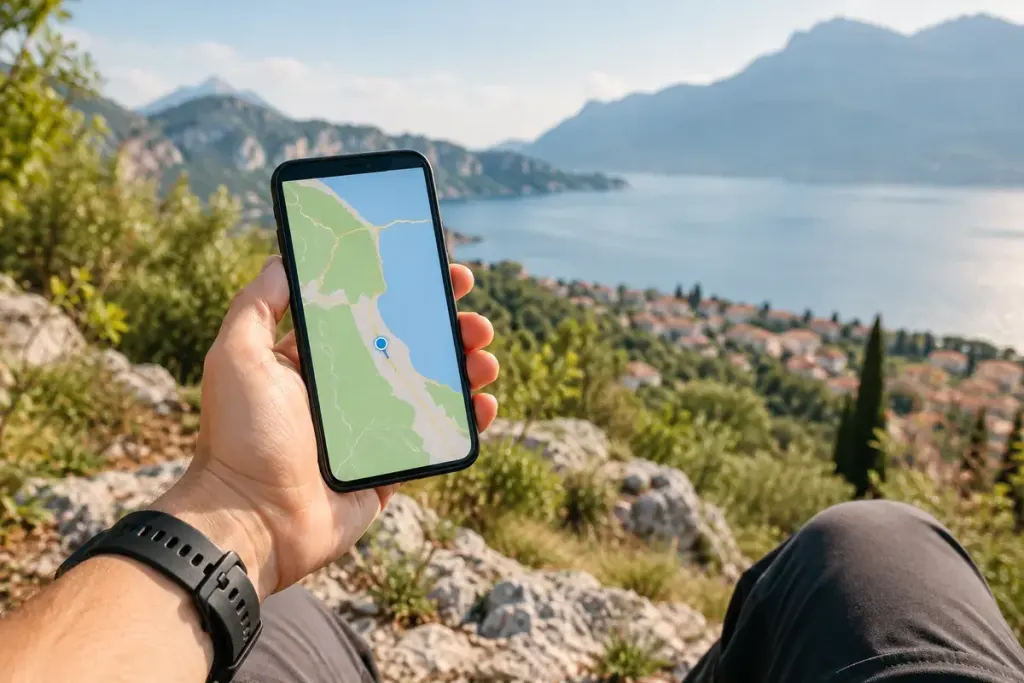
A weather app needs to know roughly where you are. A turn-by-turn navigation feature may need something much more precise. A location request should be judged against the feature, rather than accepted as one all-or-nothing question.
Android’s developer guidance explains that supported versions let users grant approximate location even when an app requests precise access. The available controls and their labels vary by operating system, version and device.
Start with the task
Ask what you are trying to do. A regional forecast or nearby-area search may work with an approximate area or a manually entered town. A feature that locates a pickup point has a different requirement. Test the least detailed option that reasonably supports your use.
If an app refuses to work, read its explanation rather than immediately granting more access. You can decide whether the feature is worth that permission, use a manual alternative or choose another service. Do not change safety-critical navigation settings while driving.
Check when access is allowed
Precision and timing are separate choices. Permission while using an app is different from background access. Review both where your phone offers them, and revisit permissions for apps you no longer use.
For an invented example, a person uses a local events app once a month. Entering a town might be enough to browse listings, while continuous background location offers little benefit for that particular routine. Another person’s chosen feature may have a different need.
Do not confuse less precision with anonymity
Approximate location still reveals an area. An account, IP address or information you enter can provide other clues. Read the service’s privacy information if the use is sensitive; one permission switch does not describe its entire data practice.
After changing a setting, try the feature and check whether the result remains useful. A good permission review connects the information requested with a job you actually want the app to perform, instead of treating every request as a routine obstacle to tap through.