
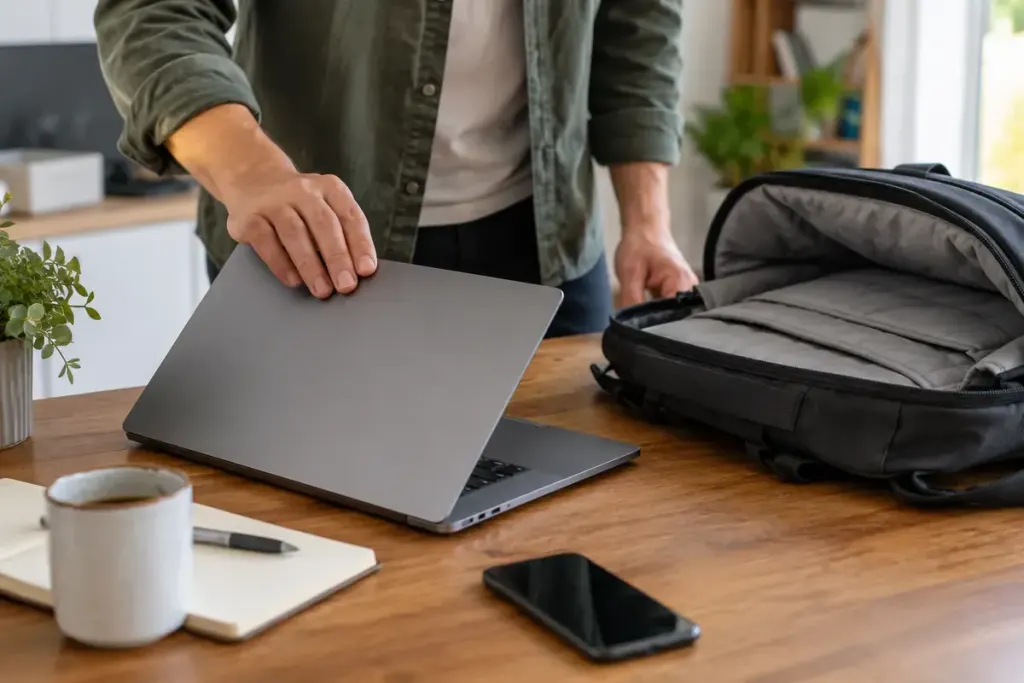
You close the laptop and place it in a padded bag. Later, the bag feels warm and the battery is nearly empty. A closed lid is a physical state; the computer’s power state depends on its settings, hardware and software.
Microsoft distinguishes shutdown, sleep and hibernation and explains that lid behaviour can be configured on supported Windows devices. The available options differ between machines. Check your own operating system and manufacturer’s guidance rather than copying a menu path from a different laptop.
Test on a desk before relying on the bag
Save your work. Review what closing the lid does both on battery and when plugged in; those settings may differ. Then perform a short, supervised test on a hard, ventilated surface. Observe the indicators and whether the device resumes as expected.
Do not use a bag as a testing enclosure. If the laptop remains active, gets unusually hot or repeatedly wakes, investigate the cause while it is in a safe, ventilated location. Seek manufacturer support if the behaviour is unclear.
Choose a deliberate travel routine
For transport, use the power state recommended for your model and confirm it has completed before packing. A pending update, an attached accessory or an unexpected wake event may complicate a routine that previously seemed reliable.
Write a short personal sequence: save, disconnect as appropriate, choose the intended power action, confirm completion, then pack. The exact action matters less than avoiding the assumption that closing the lid has done something you have never checked.
If you need instant access at your destination, weigh that convenience against the machine’s actual behaviour and battery needs. Keep vents unobstructed whenever it is operating. A consistent, verified shutdown or supported low-power routine is more useful than discovering the settings through an overheated bag.