
Everyday Technology
Find the Noisy Browser Tab Before Turning Down the Whole Computer
Isolate unexpected browser audio, mute the responsible tab and check playback separately from your computer’s overall sound.

Practical security for everyday technology.
Isolate unexpected browser audio, mute the responsible tab and check playback separately from your computer’s overall sound.

Understand why a passkey sign-in can ask for your device PIN and how that differs from sending a password to a website.

Inspect a photo’s location metadata and sharing options, then verify the exported copy while also checking visible clues inside the image.

Review clipboard history and sync settings, check pinned entries and avoid using the clipboard as a long-term store for sensitive information.

Check what closing your laptop lid actually does, distinguish sleep from hibernation and shutdown, and avoid packing a machine that is still running hot.

Use text-to-speech as an extra proofreading pass, listening for missing words and awkward sentences while checking facts and layout separately.
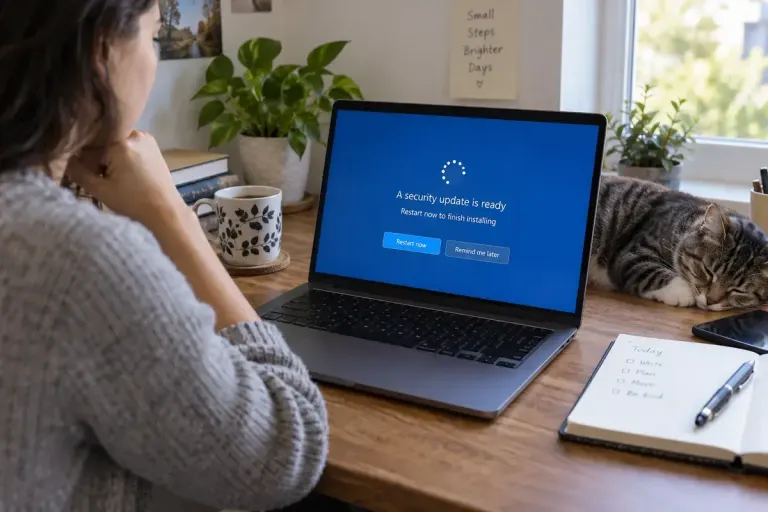
Finish a security update by checking installation and restart status instead of assuming a completed download means the device is patched.

Prepare a clean screen-sharing window, check notifications, and verify what participants can see before presenting from your everyday computer.

Review browser extensions by the websites they can access, then narrow permissions where the browser and extension support that choice.