Everyday Technology
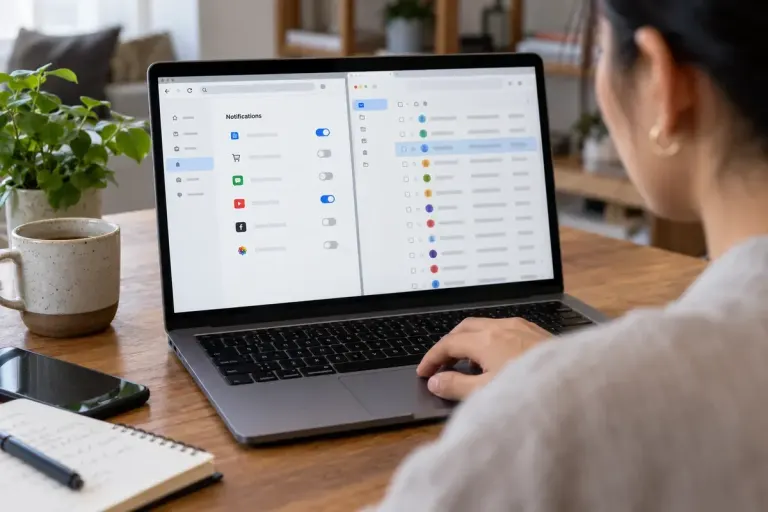
Website Notifications and Email Subscriptions Need Different Off Switches
A website alert on your screen and a newsletter in your inbox use different permissions. Identify the channel before trying to stop it.

Practical security for everyday technology.
A website alert on your screen and a newsletter in your inbox use different permissions. Identify the channel before trying to stop it.

Check the active keyboard layout when symbols appear on unexpected keys, without confusing input settings with the computer’s display language.
Review account connections after removing an app, distinguishing sign-in links, data access and the separate question of information the service already holds.

Follow sites through RSS without adding every update to your inbox. Start with a few feeds, check what they include and keep the reading list manageable.

Review whether an app needs precise location, approximate location or no location access, and test the choice against the feature you use.

Use browser profiles to organise accounts and bookmarks while recognising that they do not provide the same boundary as separate device accounts.
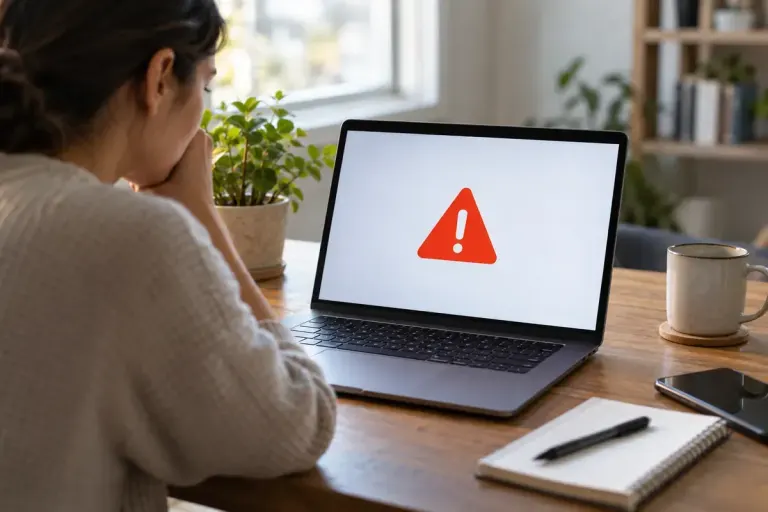
Understand what a browser download warning is telling you, verify the intended source and avoid turning a blocked file into a reflexive bypass exercise.

Turn a rambling voice memo into a dated note with a clear point, action and unresolved question, while checking transcription against the recording.

Calendar spam can look like an ordinary invitation. Check the sender independently and use the calendar’s reporting controls without following suspicious links.