Device Privacy
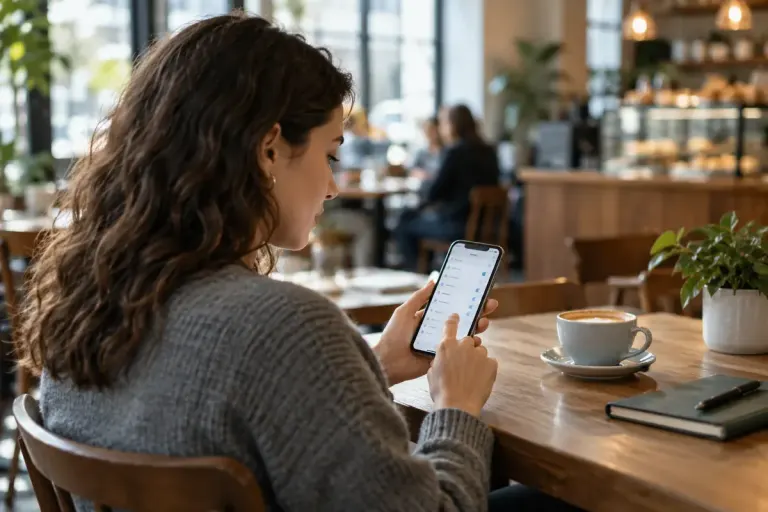
Check who can discover your phone before leaving nearby file sharing open
Nearby file sharing has discovery settings as well as transfer prompts. Check who can find your device and restore the setting after a transfer.

Practical security for everyday technology.
Nearby file sharing has discovery settings as well as transfer prompts. Check who can find your device and restore the setting after a transfer.
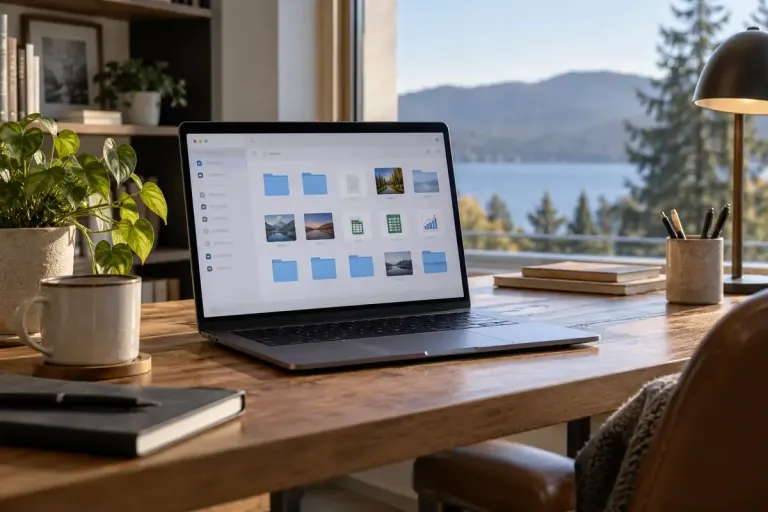
Make Windows file extensions visible, distinguish a filename from a file format, and avoid treating a familiar icon as proof that a download is safe.
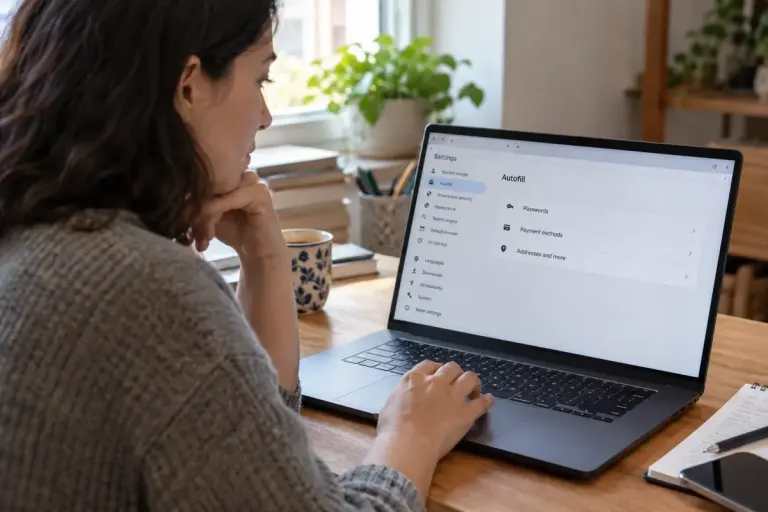
Check saved addresses, payment details and browser profiles before lending a device, and understand what Chrome Guest mode does and does not separate.
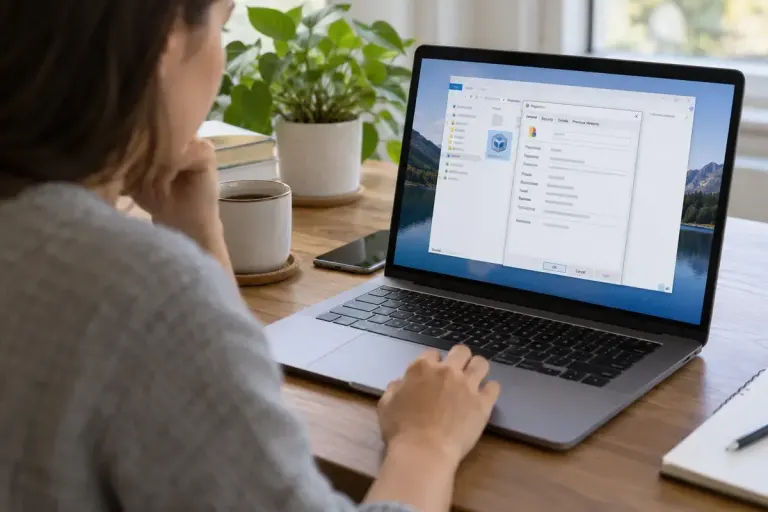
Inspect a file’s type and opening app before changing defaults, and keep application choice separate from deciding whether a download is trustworthy.
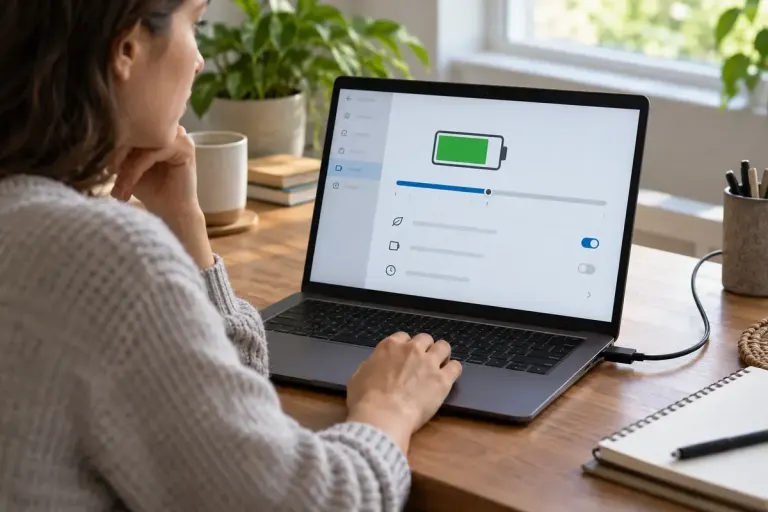
Check a laptop’s battery-charge limit before treating a stop below 100 percent as a fault, using the manufacturer’s settings and model guidance.
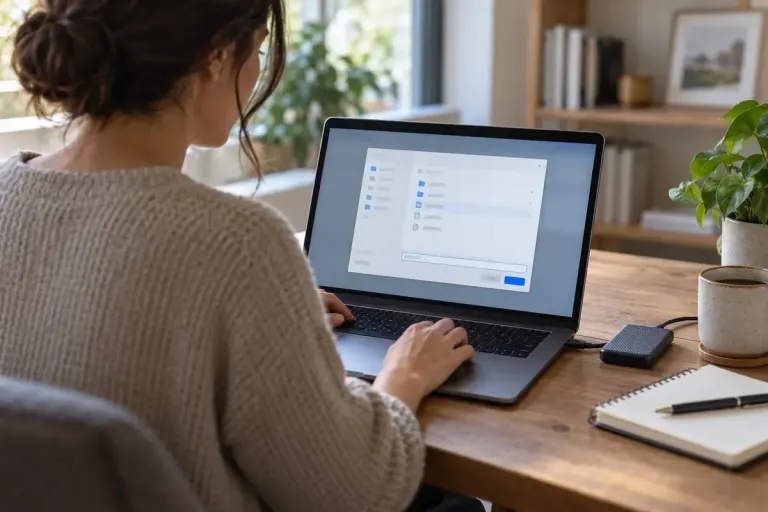
Choose a suitable password-export format and storage location, then verify the transfer and remove unnecessary exposed copies from the migration workflow.
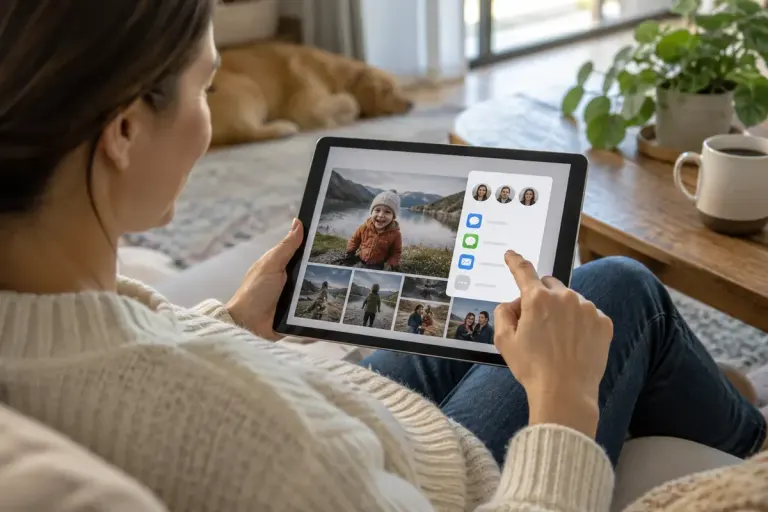
Review photo-album members and link-sharing settings together, and understand why disabling a link cannot recall copies already downloaded.
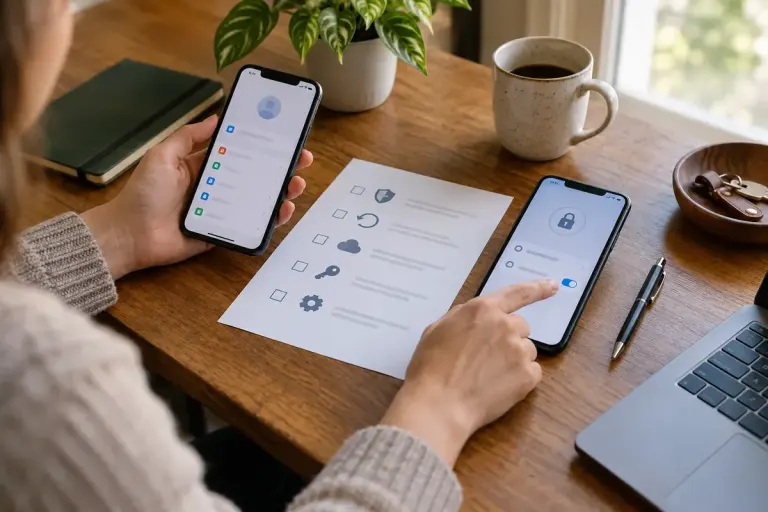
Installing an authenticator app on a new phone is only one part of moving two-factor access. Verify the accounts before erasing the old device.

An unexpected Office document that requests macros needs verification through a trusted channel before any security setting is changed.