
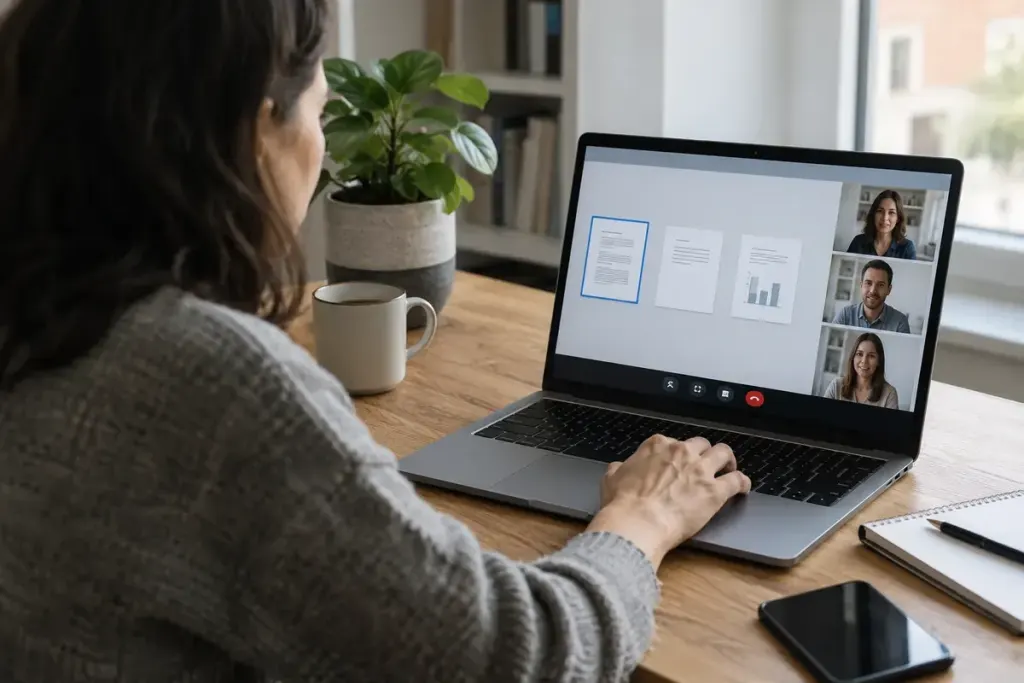
The spreadsheet you intend to present may occupy only one window on a desktop full of messages, personal tabs, and other clients’ files. Sharing begins with choosing the right surface. A whole-screen share can expose material that was never part of the meeting.
Before the call, open the document you need and close unrelated windows. If the meeting application offers window sharing, consider whether that option covers the presentation. Some tasks need several applications, so the best choice depends on what you actually plan to demonstrate.
Rehearse the transitions
The risky moment is often the move between slides, a browser, and a file picker. Walk through those steps beforehand. A browser window may still reveal tab titles or account details, while an application may open a new dialog that is not included in a window-only share.
Use a short test meeting or the application’s preview where available. Check what happens when you minimise the shared window, open a link, or move to another display. Application behaviour can vary by version and operating system, so do not rely on memory from a different computer.
Reduce interruptions before they appear
Review notification settings and use the device’s appropriate focus mode if it suits the meeting. Close messaging applications containing information you should not disclose. Hiding a banner is helpful, but it is better to remove unrelated sensitive material from the presentation workspace altogether.
At the start, ask a participant to confirm that the intended content is visible. If you need to search for a private file or enter credentials, stop sharing first. Resume only after returning to the material meant for the audience.
Finally, stop the share explicitly when the demonstration ends. A meeting can continue while you take private notes or answer a message. Treat the shared view as an open presentation surface until the application confirms that sharing has stopped.